Most owners looking for a real estate CRM for small agencies do not have a software problem. They have a scattering problem: portal enquiries, incoming calls, WhatsApp threads and each agent's own notebook all hold a piece of the truth. With two agents that arrangement survives. With the third agent it starts to cost money: two people arrange viewings of the same flat for different buyers, an owner goes three days without a call back, and the outcome of yesterday's viewing is written down nowhere.
This guide is written from the point of view of a small agency with three agents and one office manager. The examples run through a made-up firm called Marmara Realty (demo data). In order: where tracking breaks, the eight things a good system must have, how a property record meets a buyer request, viewings and their outcomes, the three-day rule, turning portal enquiries into records, commission tracking, what happens when an agent leaves, a seven-day setup plan, and finally what Ohana360's estate app does and does not do.
Where agency tracking breaks
Almost every small agency runs on the same four tools: the portal inbox, the phone, WhatsApp, and each agent's own notebook or camera roll. Each is fine on its own. The breakage happens because none of them looks at the others.
- The portal inbox is not the agency's record. Someone asking "is this still available" stays inside the portal. Two weeks later the agent who wants to call them back remembers neither the listing nor the budget.
- A phone call does not survive in anyone's memory. A buyer says "three bedrooms, near the coast, up to 255,000". If that sentence is not written down, a week later all that is left is "some man called".
- An agent's notebook does not belong to the agency. When the agent takes a week off, half the portfolio goes with them. That is a missing system, not a missing person.
- Viewing outcomes go unrecorded. The flat is viewed, the buyer says "let us think about it", and that is the end of it. When the owner calls to ask how it went, the answer is a guess.
- Matching happens in someone's head. A new listing arrives and "who was looking for this" is answered from memory. After forty properties and twenty buyers, memory stops being enough.
- Calling the owner back belongs to nobody. This is where agencies lose listings fastest: an owner who hears nothing for two weeks gives the property to someone else.
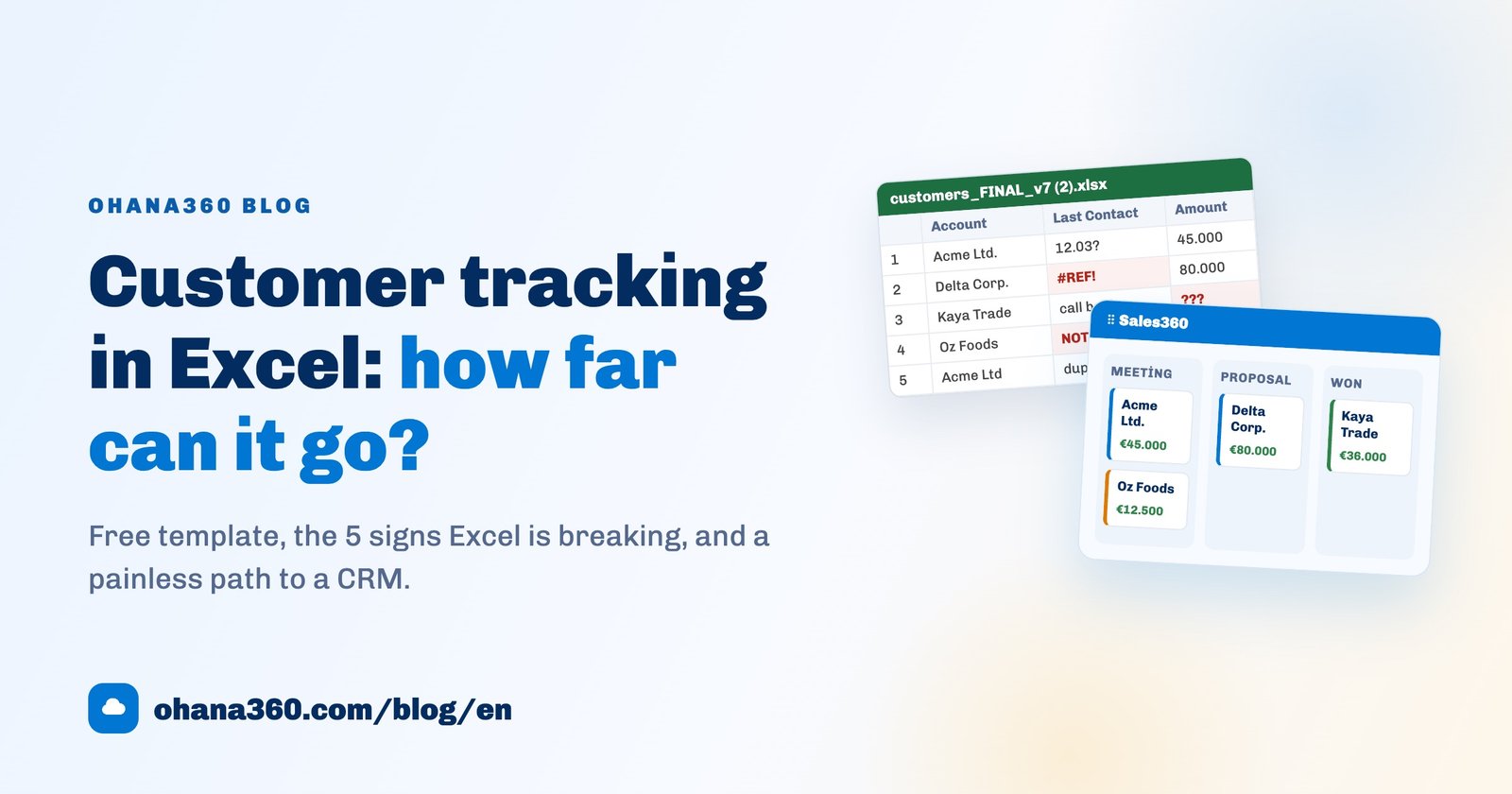
What fixes this is not more discipline, it is the information meeting on one record. The spreadsheet version of the same problem is covered in the Excel customer tracking guide, and the general frame in what a CRM is.
The 8 things a real estate CRM must have
Feature lists in estate software are long; the part that matters is short. If a product cannot show you these eight, extending the trial will not change the outcome.
| Feature | Why it matters | What happens without it |
|---|---|---|
| 1. Numbered property records | Every listing needs a short identity you can say out loud, with kind, type, rooms, size, area, price, owner and agent on the same record | "The flat in Moda" can mean three different flats, and the owner's number lives on one agent's phone |
| 2. Buyer requests with criteria | A buyer is not a name, it is a set of requirements: what, which type, which area, what budget | When a listing arrives, only the person who remembers knows who to call |
| 3. Matching | Comparing the buyer pool against the portfolio automatically is where an agency wins fastest | The listing goes to the portal and your own buyers hear about it last |
| 4. Viewings on a shared calendar | Appointments belong on the office calendar, not in a notebook | Two viewings at the same hour, and two agents calling the same owner |
| 5. A viewing outcome field | The visit is not the information, the outcome is: liked it, found it expensive, made an offer | There is nothing concrete to tell the owner afterwards |
| 6. Owner call-back tracking | What keeps a listing is not the advert, it is regular news | The listing moves to another agency within two weeks |
| 7. A commission figure | Without knowing what a property is worth to you, you cannot decide where the week goes | The office works on the loudest deal instead of the most valuable one |
| 8. Role-based access and audit logs | The portfolio and the buyer list are the agency's most valuable asset | When you ask what a departing agent exported, there is no answer |
Property records, buyer requests and matching
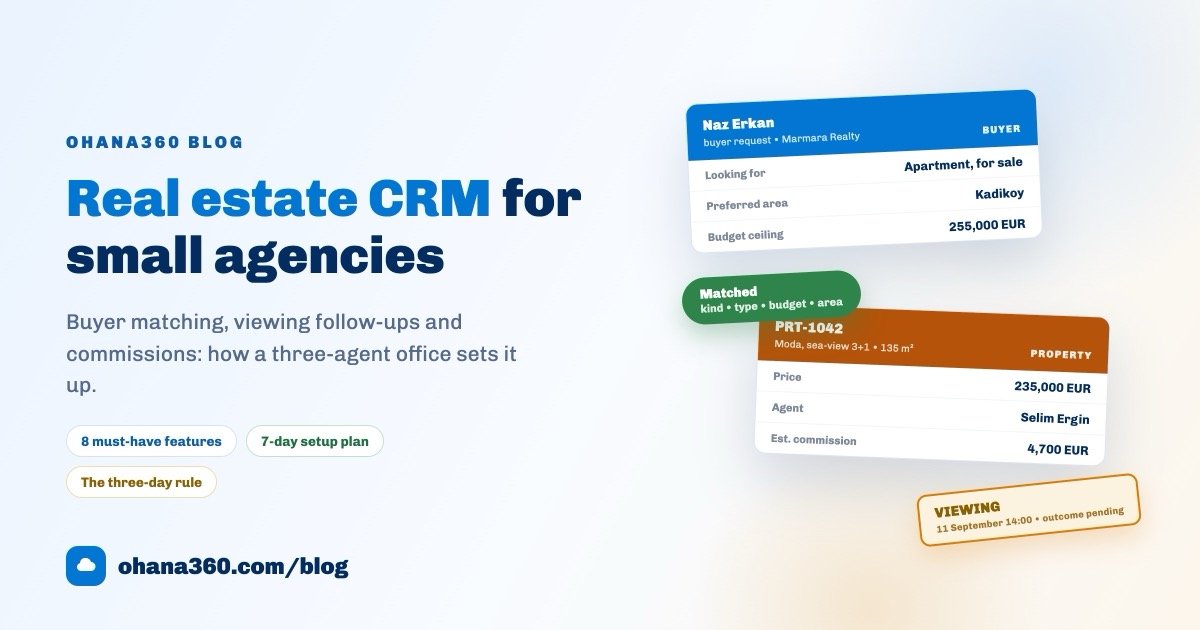
The core of estate tracking is two records and the bridge between them. On one side the property: Marmara Realty's record PRT-1042, a sea-view three-bedroom flat in Kadikoy, 135 m², 235,000 EUR, agent Selim Ergin. On the other side the buyer request: Naz Erkan, looking to buy an apartment, prefers Kadikoy, budget ceiling 255,000 EUR (demo data).
The bridge is a simple rule with four checks: same kind, same type (skipped if the buyer said "any"), property price under the budget ceiling, and the buyer's area text found inside the property's location. If all four hold, the match is made.
The simplicity is deliberate. Instead of a scoring model, what an agency needs when it opens in the morning is the sentence "three buyers fit this listing". Because the rule is simple, the quality of the buyer record decides everything: a buyer with no budget matches every property, a buyer with no area filters nothing. Never leave budget and area blank on a buyer request.
The second idea is the status path. A deal is not one line but three records moving in parallel: the property, the buyer and the viewing.
The distinction looks small, but the whole weekly meeting rests on it: how many properties are active, how many buyers are still looking, how many viewings have no outcome written. The third number is the one most often skipped, and the one that costs the most deals.
Viewings, outcomes and the three-day rule
A viewing is the most expensive half hour in the business: two people's time, an owner's permission and a buyer's attention all spent at once. The output of that half hour should be one sentence, and that sentence belongs on the record.
Here is the rhythm Marmara Realty runs:
- The viewing is booked from the record. Pick the buyer from the matching list on the property page, set date and time. The appointment links to both the property and the buyer, and the office gets a notification.
- The owner is told before the visit. That is not politeness, it is how you keep the listing.
- The outcome is written the same day. "Liked it, wants to talk price with the owner" is enough. If the outcome field stays blank, the record shows up in the list with an orange "No outcome" badge as soon as the date passes.
- The owner is called back that day or the next morning. What to say is already sitting in the outcome field.
- The buyer is contacted again three days later. More on that below.
- Blank outcomes are cleared weekly. Friday afternoon, the list is opened and worked until no orange badge is left.
The three-day rule after a viewing
After viewing a property a buyer either decides or forgets, and the third day usually settles which. Calling the same day feels like pressure; calling a week later reads as indifference. Day three is when the buyer still remembers the flat but has not yet seen another one.
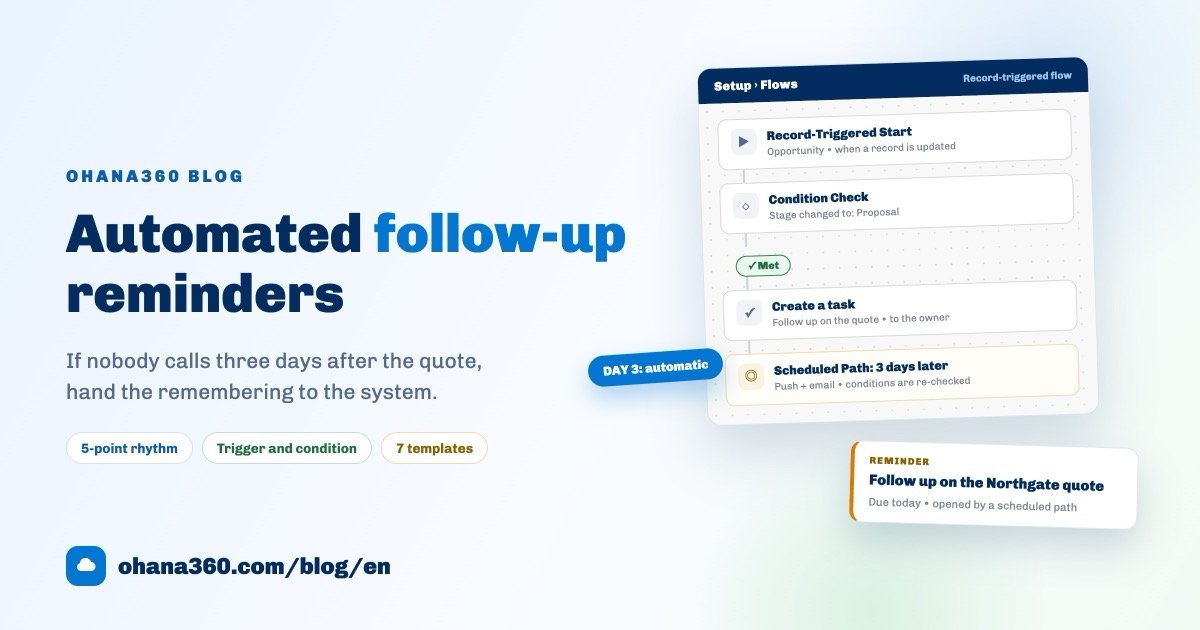
The rule: every viewing gets a follow-up on its third day, and that is not left to anyone's memory. You build it as a flow: triggered when the viewing is saved, with a scheduled path three days after the viewing date that opens a task for the responsible agent. How automated reminders are built, and which triggers and scheduled paths exist, is covered step by step in the automated customer follow-up guide; this is exactly its estate agency version.
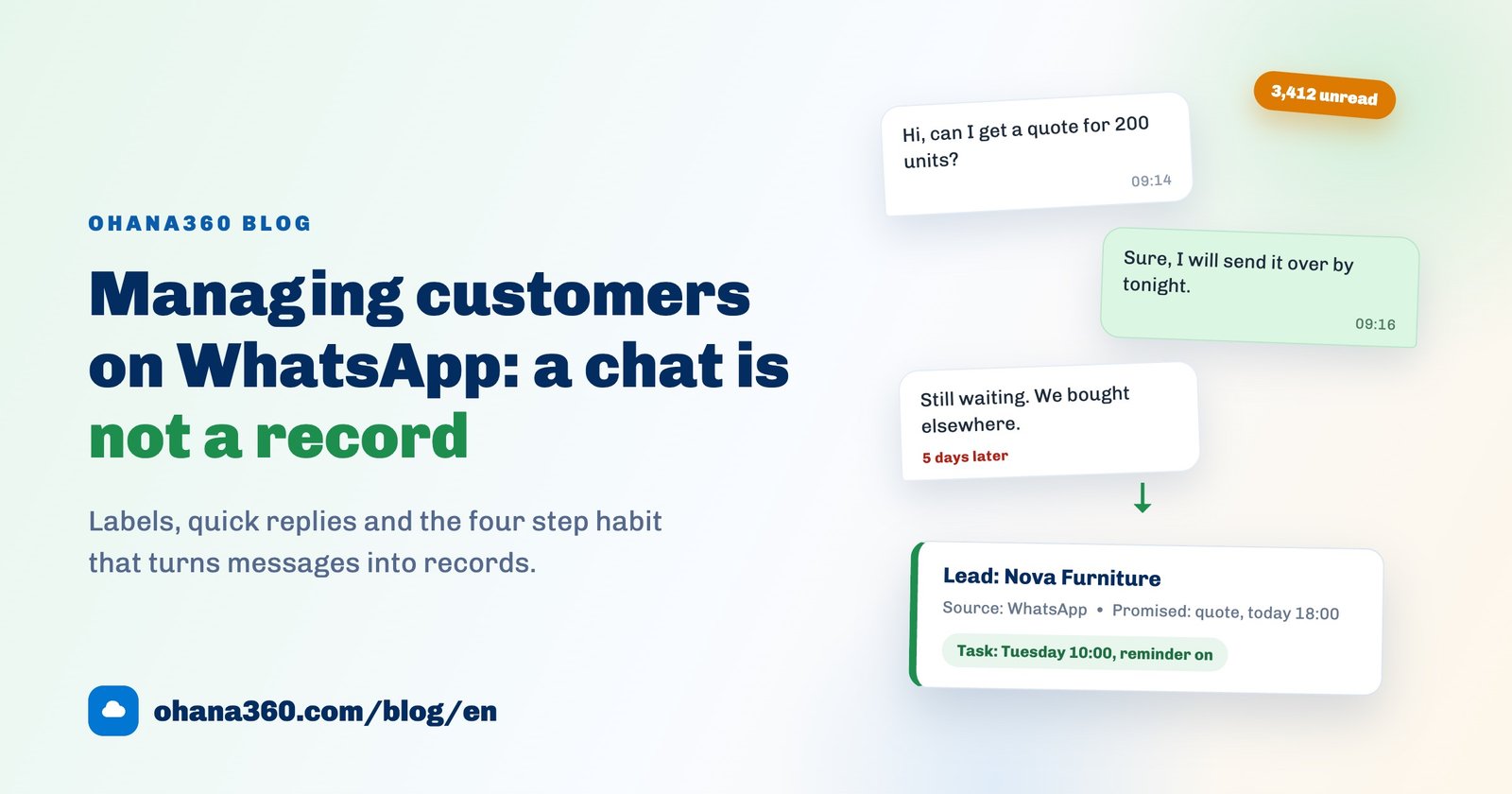
In most agencies the channel is WhatsApp, and that is fine, with two rules: send it from the record so it leaves a trace, and never put the owner's negotiating room, the full address or another buyer's offer into the message. How to keep that channel disciplined is covered in the WhatsApp customer management guide.
Turning portal enquiries into records
Let us be honest here: Ohana360 has no automatic connection to listing portals. Your advert does not travel from here to a portal, and an enquiry arriving on a portal does not become a record by itself. The portal makes the phone ring; the CRM runs the office. You build the bridge, and it has exactly one rule: an enquiry that stays on the portal is not an enquiry.
In practice there are two routes:
- One at a time, the same day. Every portal message or call becomes a Buyer Request the moment the conversation ends: name, phone, what they want, type, preferred area, budget ceiling and a one-line note. It takes forty seconds. Once the office manager makes it part of the daily rhythm, the portal becomes the CRM's front door.
- In bulk. If a list has already piled up, use the Data Import wizard in Setup: copy the range out of your spreadsheet, paste it, map the columns, check the preview and run it. The tool exists for moving lists at setup time, not for the daily flow.
A practical measure for the office manager: at the end of the day, the number of portal messages answered but not recorded in the system should be zero. That single number tells you every day whether the portal is really connected to the CRM.
Commission tracking
Income in an agency is not a steady monthly stream, it is a handful of large items. Knowing in advance what a property is worth to you is what decides where the week's hours go.
In Ohana360 you set a commission rate in the app settings, as a percentage alongside the office name. On the record page of every property for sale, the estimated commission calculated from price and that rate appears right under the title. Marmara Realty uses 2%, so the PRT-1042 page reads "Estimated commission: 4,700 EUR (2%)" (demo data). The figure does not replace the contract; it sets the priority.
The second step is collecting that commission, and here honesty is needed too: Estate360 has no separate collection object. The estimated commission is a calculation, not a receivable. To track the money on a closed deal there are two routes:
| Route | How it is set up | When to pick it |
|---|---|---|
| Finance360 | Create an invoice record for the closed deal: amount, due date and status (Pending, Invoiced, Paid). Overdue lines show in red, and a ready-made flow template opens a collection task for the owner every morning for overdue invoices | When you issue the commission invoice yourself and want due-date tracking |
| A custom object | Create a "Commission" object in the Object Manager with a property lookup, amount, date and status. It gets its own tab, list view and reports | When your accountant issues the invoice and you only need an internal record |
When an agent leaves, the portfolio stays
This is the most real risk an agency carries, and most offices do not see it as a software question. Yet the question is exactly that: whose hands is the portfolio in?
In an agency that runs on notebooks and camera rolls the answer is obvious: the agent's. When they leave, the portfolio and the buyer list leave with them, and it does not even count as taking anything, because the records were never with the agency in the first place.
In a system-run agency the arrangement looks like this:
- The record belongs to the organization, the agent only owns it. The Agent field on a property is an ownership field. It does not move the record, it only says who is responsible.
- Choose visibility deliberately. By default everyone in the office sees and edits the whole portfolio. If you want each agent to see only their own, make the object private in the Sharing Settings and grant access back with sharing rules. In small offices shared visibility usually works better; rules become necessary as the office grows.
- Deactivate a leaver's account the same day. The name stops appearing in the agent list on new records, and the login closes.
- Reassign the properties. Filter the leaver's records in a list view and switch the Agent field to whoever takes over. History, viewings, notes and files stay on the records.
- Limit exports. The number of people who can download the portfolio and buyer list as CSV should fit on one hand.
- Keep the audit log running. "Who opened and who changed this record" must have an answer. That protects the team rather than accusing it.
The first 7 days: a setup plan
Moves to estate software usually fail for one reason: trying to migrate everything at once. Seven days, one hour a day, is enough for most agencies.
| Day | What to do | What you have at the end of it |
|---|---|---|
| 1 | Enter the active portfolio: title, kind, type, area, rooms, size, price, owner and agent | A searchable, filterable property catalogue |
| 2 | Set the office name and commission rate; bring every property status up to date (active, under option, sold, inactive) | A portfolio list that matches reality, with estimated commissions |
| 3 | Enter the active buyers: name, phone, what they want, type, preferred area, budget ceiling | The pool the matching engine needs |
| 4 | Open the matching opportunities on the home page and review the list with the agents | A concrete call list for the same day |
| 5 | Put the next two weeks of viewings on the calendar and fill in the outcome field on past ones | A shared calendar and a history with no blank outcomes |
| 6 | Build the three-day follow-up flow; give the office manager the daily portal-to-record habit | Follow-up discipline that runs itself |
| 7 | Switch on roles, sharing, two-factor authentication and audit logs; run a 30-minute rehearsal with the team | A working, protected setup |
On day eight, close the notebooks. Running two systems is useful in week one and harmful in week two: nobody writes in both places.
How Estate360 works in Ohana360
Estate360 is the industry edition of the Ohana360 platform for estate agencies. What it does, without inflation: property records, buyer requests, automatic matching and viewings. What it does not do, said plainly: it has no listing portal integration, it does not issue legal electronic invoices, and it does not connect to land registry or mortgage systems.
- Property: an automatic reference (PRT-...), title, kind (for sale, to let), type (apartment, villa, office, shop, land, storage), location, rooms, size, price, building age, floor, service charge, mortgage eligibility, owner contact, address, description, agent and status (Active, Under option, Sold/Let, Inactive).
- Buyer request: name, phone, kind sought, type, preferred area, budget ceiling, notes and status (Active, Matched, Closed). The list view shows how many properties each buyer matches, as a badge.
- Matching: automatic, on kind, type, budget and area. It appears as "Matching buyers" on the property page and as "Matching opportunities" on the home page, and a viewing can be booked from a buyer row in one click.
- Viewing: property, buyer, date, time, note and outcome. Saving one notifies the office, and the home page strip shows upcoming viewings with "TODAY" or the days remaining. A past viewing with a blank outcome is flagged in orange.
- Commission: the app settings hold the office name and the commission rate; the record page of a property for sale shows the estimated commission calculated from the price.
- Office home page: the attention list puts properties with matching buyers first, and also flags listings that have sat in the portfolio for more than 60 days and high-value ones.
- Platform side: you can add custom fields, write sharing rules and build flows on the property, buyer and viewing objects. Property and Viewing can both be the target object of record-triggered and scheduled flows.
- Migration and mobile: existing lists move in with the Data Import wizard, and the iOS and Android apps are included in every plan.
If you would rather see it than read it:
The office dashboard: what to report and what to keep in a list
There is a boundary worth knowing: on the estate side the report builder knows the Property object, while buyer requests and viewings are not among the reportable objects. You track those two with saved list views and filters, which is more practical for daily work anyway: list screens support inline editing and column layouts of your own.
| # | Where | What you build | Group by | Measure / filter |
|---|---|---|---|---|
| 1 | Report | Portfolio value by status | Status | Sum of price (ships as standard) |
| 2 | Report | Listings per agent | Agent | Record count |
| 3 | Report | Portfolio value per agent | Agent | Sum of price |
| 4 | Report | For sale vs to let | Kind | Record count |
| 5 | Report | Portfolio mix by type | Type | Record count |
| 6 | Report | Average price by area | Location | Average price |
| 7 | Report | New listings per month | Created (calendar month) | Record count |
| 8 | Report | Portfolio by room count | Rooms | Record count |
| 9 | Report | Tasks by type (follow-ups included) | Type | Record count |
| 10 | List | Viewings with no outcome | Sorted by date | Filter: date < today, outcome empty |
| 11 | List | This week's viewings | Sorted by date | Filter: date within this week |
| 12 | List | Active buyers with matches | Sorted by match count | Filter: status = Active |
| 13 | List | Buyers with no budget (data quality) | Sorted by name | Filter: budget empty |
| 14 | Home page | Properties needing attention | By priority score | Matching buyer, 60+ days, high value |
Put the reports on one dashboard and subscribe to it by email: it lands in your inbox on the day and at the hour you choose. The three numbers to check weekly are active portfolio value, viewings with no outcome, and buyers who have a match but have not been called. The rest explain why those three look the way they do.
To try it on your own data, sign up and enable Estate360 from the marketplace, or request a demo. On pricing, industry editions are 250 EUR per month per organization, with a 90% launch discount while the campaign runs; current numbers are on the pricing page.
Frequently asked questions
What does a real estate CRM actually do for a small agency?
Which features does a small agency really need?
Does Estate360 connect to listing portals?
Can the follow-up after a viewing be automated?
What happens to a portfolio when an agent leaves?
Keep the portfolio and the buyers in the agency
Property records, buyer requests with criteria, automatic matching and viewings on a shared calendar in the same place. No credit card needed to set up.